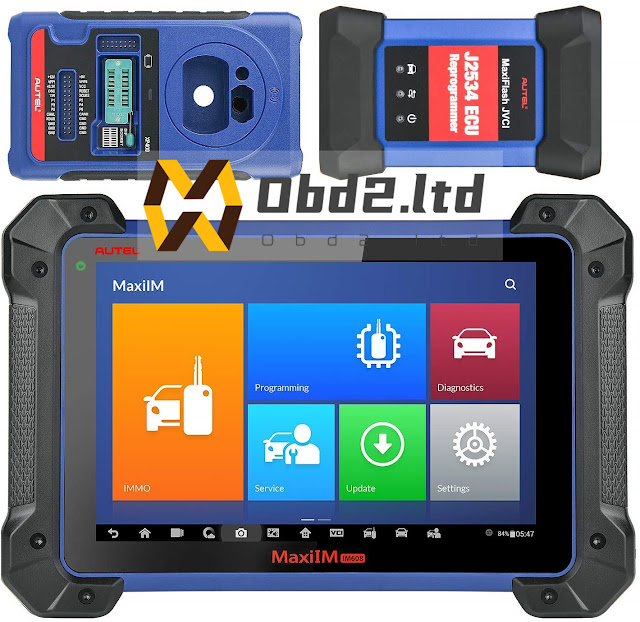
How to Register and Activate Autel MaxiIM IM508 IM608?

How to Register and Activate Autel MaxiIM IM508 IM608 Here will explain step by step how to register, activate and update your Autel MaxiIM IM608 or IM508 tablet. Step 1: Sign up with Email Enter email address to create account Send a verification E-mail to your address Retrieve the verification code from your e-mail Enter email, password and verification code to sign up Step 2: Register MaxiIM Now register your device with serial number Press Register button Enter serial number and Register MaxiIM is successfully registered Step 3: Run Update In MaxiIM menu, select Update function Check available software update and download software It will auto install and update MaxiIM APP Launch MaxiIM home menu Open MaxiIM App MaxiIM is initializing data Go to Update function again Check available IMMO or Diagnosis update and run update Finished